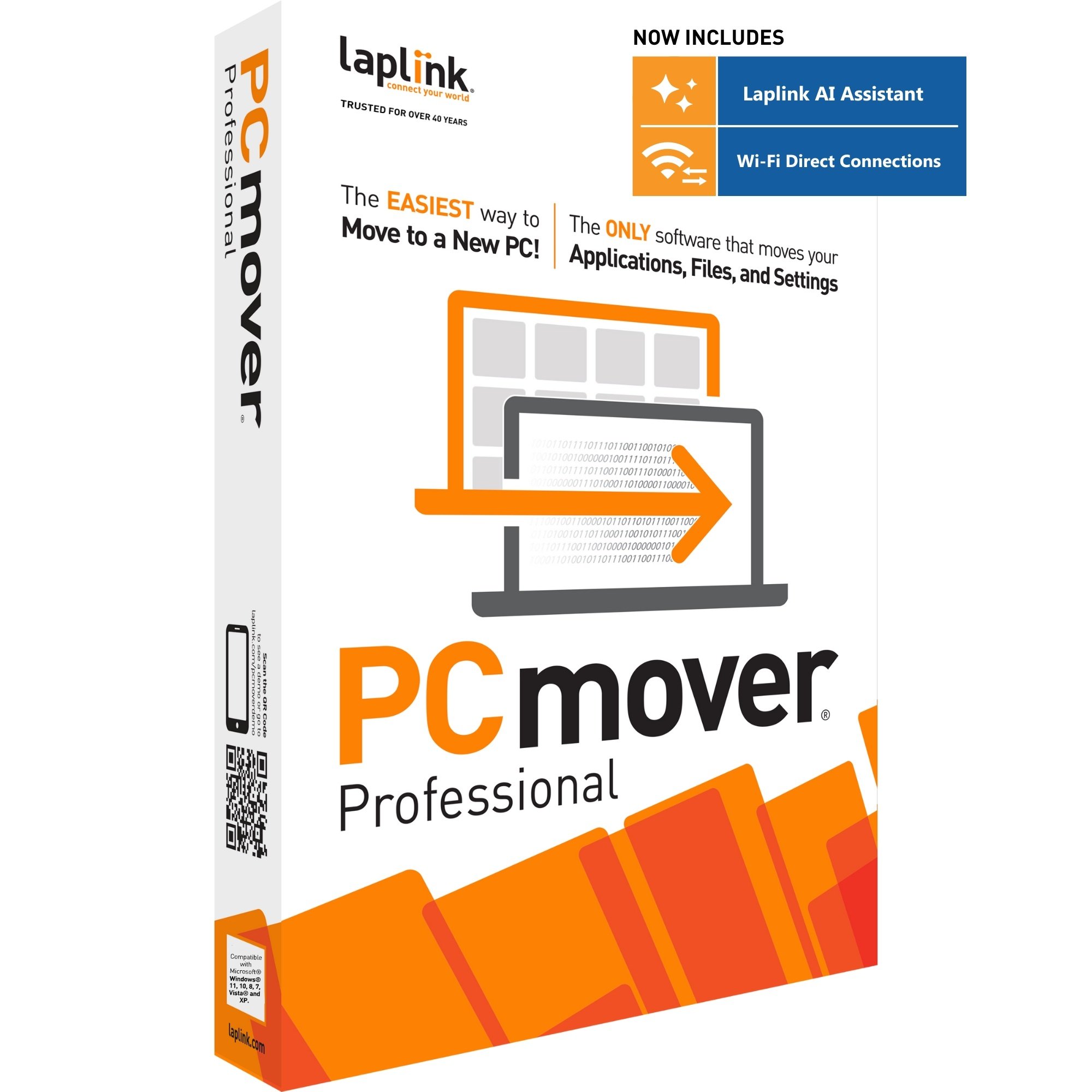
Do you already own PCmover Windows 7 Upgrade Assistant and need to perform another computer upgrade? To get a new serial number, just purchase a download version of PCmover. You will be emailed a new serial number immediately and you will be ready to do another computer upgrade!
A single license of PCmover allows you to upgrade a single existing computer. Additional computer upgrades require the purchase of additional licenses.
Download Version
USD 29.95
EUR 23,95
GBP 19.95
5-Pack License
USD 95
EUR 75
GBP 65
10-Pack License
USD 175
EUR 135
GBP 120
25-Pack License
USD 375
EUR 290
GBP 260
Order PCmover Upgrade Assistant
Prices do not include shipping or taxes, if applicable.
A single license of PCmover Windows 7 Upgrade Assistant allows you to perform one in-place upgrade. Additional upgrades require an additional license.
Volume Pricing
Laplink offers attractive volume discounts to customers needing 5 or more licenses. Laplink's volume pricing is the most competitive volume licensing program on the market.
Money back guarantee
We take pride in our software line and the benefits they provide to our many valued customers.
Reseller Partners
Look up a Laplink reseller in your region.
Don't take our word for it. Watch these independent PCmover reviews to learn more about the best-selling PC migration utility in the world.
| |
|
|
| Get Connected PCmover Review | Dotto Tech PCmover Review Part 1 | Dotto Tech PCmover Review Part 2 |
Laplink's PCmover Helps Windows 8 Migrations
PCmover Windows 8 Beta Assistant allows users to move selected programs, files and settings from a Windows 7 or Windows 8 machine into a new machine running Windows 8. Laplink has had an earlier version that was very useful in Windows 7 migrations from XP. You can watch a short video of mine... read more »
ReadWrite Enterprise
David Strom
Jan 2012
Ease the transition to Windows 8 with PCmover Windows 8 Beta Assistant
Can also be found in the following publications: BetaNews - http://betanews.com/2012/01/07/thinking-about-the-big-upgrade-try-laplink-pcmover-windows-8-beta-assistant/ PC Authority -... read more »
Softwarecrew
Mark Wilson
Jan 2012
Got A New Computer? Oh, Joy, Now You Get To Spend Days Setting It Up! Or Do You?
Lets face it, getting a new computer is a double edged sword. You get the latest or greatest computer, or at least better then what you had…. But know you have to not only get all your data off your old computer and onto your new computer. Along with all... read more »
Biznetonline
Mike Lipshultz
Jan 2012
Laplink Announces PCmover Windows 8 Beta Assistant Release
Developer Laplink Software Inc. has announced its pending release of PCmover Windows 8 Beta Assistant. The official release will be this week, on Jan. 5. Based on Laplink’s migration product, PCmover Windows 8 Beta Assistant is designed to automatically move files, settings, user accounts,... read more »
ChannelPro
ChannelPro-SMB
Jan 2012
Laplink is Releasing a Free Migration Toll for Windows 8 Beta
While there have been mixed opinions regarding Windows Developer Preview, I honestly can say that I’ve found it a relatively stable (if not a little boring) test build. While Metro isn’t really worth a lot of time yet, I fully expect this to change once the Beta arrives and we get to play with the... read more »
Windows 8 Update
Andrew Grush
Dec 2011
Documentation
- User Guide (3.85MB PDF)
- End User License Agreement (EULA) (10 KB PDF)
System Requirements
- Windows 7/Vista/XP/Media Center
- 200 MB of hard disk space
Note: Windows 2000 cannot be upgraded directly to Windows Vista and Windows 7 due to the Windows 2000 drive format. To migrate from Windows 2000 to Windows 7 you should select a different edition of PCmover that supports migrations between 2 PCs/Drives/Partitions here.
What You Should Know
PCmover Upgrade Assistant should be used only as intended and as described in the User Guide. If you attempt to use this product for unintended purposes, your computer may become unstable or unusable. If you have any questions, please visit technical support.
- Some programs on your old computer may not be compatible with a newer operating system.
- Files with Digital Rights Management (DRM), such as music files and programs that require keys or serial numbers with a hardware fingerprint, may require deactivation before the upgrade and reactivation after.
- Some programs with unique copy protection may need to be deactivated before the upgrade then reactivated with their original key or serial number after.
- If you are unable to deactivate applications on the old PC, please contact the software manufacturer for each respective application to have the license reactivated.
- Users are responsible to follow user license agreements with each application that is restored.
- Be sure to deactivate programs with online-managed activation (such as various Adobe products and iTunes) before upgrading your operating system.
- Antivirus and Anti-Spyware programs may not be automatically installed on your new operating system
- Specific hardware drivers will not be moved to your new operating system.
- PCmover is not designed for migrations from newer operating systems to older operating systems. We do not recommend attempting to migrate from a PC running Windows 7 to a PC running Windows XP, as doing so may render your system unstable.
- Please note that PCmover Upgrade Assistant serial numbers are unique to PCmover Upgrade Assistant and will not work with other editions of PCmover.
- Windows 7 upgrade DVD is not included.
Of the 66 Windows 7 upgrade scenarios detailed by Microsoft, only 14 are supported by Windows. As illustrated in this chart, among the remaining unsupported scenarios are all upgrades from Windows XP - for the many XP users out there, this makes upgrading to Windows 7 a complicated task.
That’s why we created Windows 7 Upgrade Assistant: it helps you upgrade your existing PC quickly and easily from any version of Windows (Media Center or later) to Windows 7. If you are upgrading your PC from XP to Windows 7, you need PCmover Windows 7 Upgrade Assistant.
Using PCmover to upgrade to Windows 7 is easy. First, run PCmover and follow the easy-to-use wizard. Then install Windows 7, choosing "custom" install (do not reformat). Then run PCmover again. That's it - you're done. No need to copy files to external media; no need to reinstall all your applications. PCmover does it all for you without any external storage, without copying files and without old CDs and serial numbers!
Upgrade your Existing PC in 3 easy steps

Keep it simple. Save yourself the time and hassle of upgrading to Windows 7 by using PCmover.
Key Features of PCmover Windows 7 Upgrade Assistant
|
|
Application Selectivity
Choose which applications you want to have on your upgraded PC. |
|
Keep Everything
All programs, files and settings can stay exactly as they were in your old operating system with one easy step. |
|
|
File & Folder Selectivity
Select which folders you want and uncheck any file types that you don't want to have after the upgrade. |
|
Easy-to-Use Wizard
Click through a simple wizard to perform the upgrade. |
IMPORTANT:
If you are setting up a NEW PC, drive, partition or deleting your old operating system, you should select a different edition of PCmover here.
Do you already own PCmover Windows 7 Upgrade Assistant and need to perform another computer upgrade? To get a new serial number, just purchase a download version of PCmover. You will be emailed a new serial number immediately and you will be ready to do another computer upgrade!
A single license of PCmover allows you to upgrade a single existing computer. Additional computer upgrades require the purchase of additional licenses.