

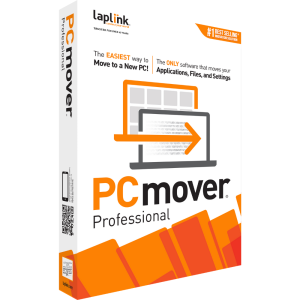
PCmover Professional
The ONLY software that moves your applications, files, and settings.
$59.95
£41.95 | €47,95 buy Now- Simple setup wizard — set it and forget it!
- Migrate everything you choose
- Transfer applications & cloud directories
- Automatic PC discovery & connection
- Enhanced transfer speeds
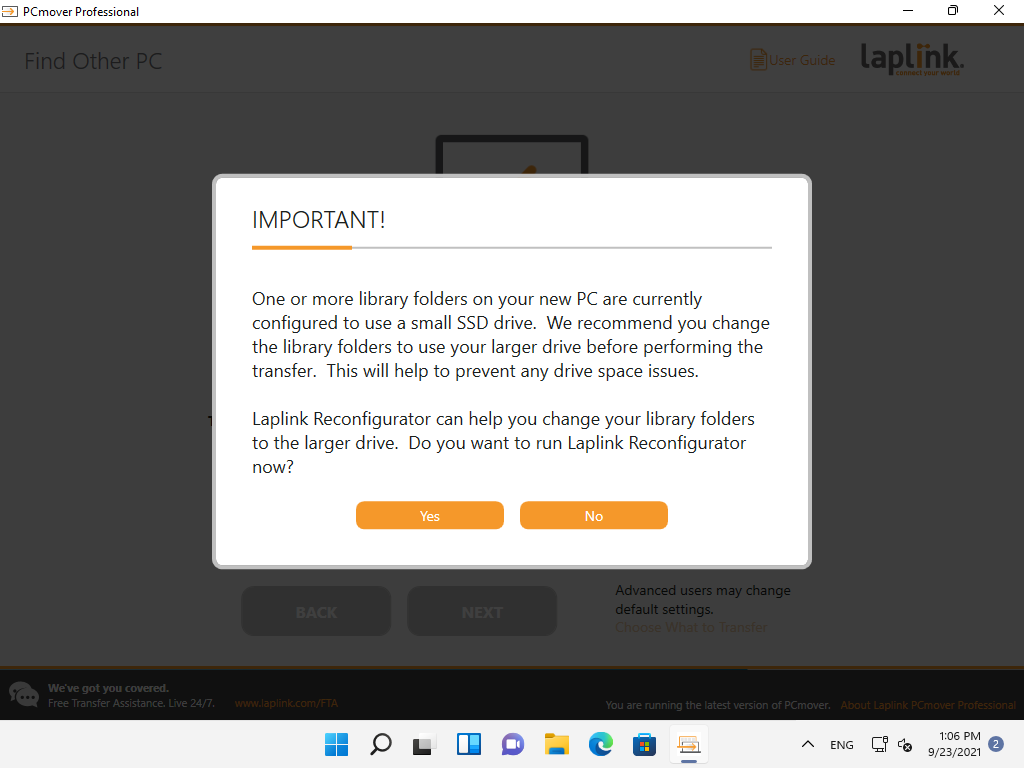
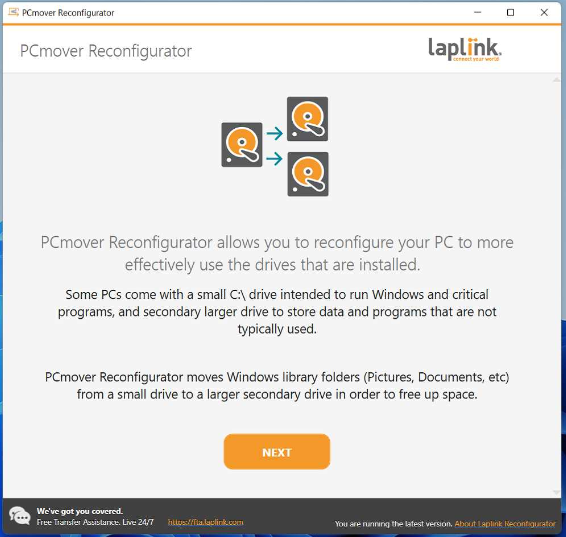
- Modify library folder destinations
- Foolproof "undo" feature
- Includes Free Transfer Assistance
PCmover Professional Pricing
-
Downloads
-
Physical (+Cable)
-
Physical (+USB 3.0 Cable)
-
5-Pack
-
10-Pack
-
25-Pack
-
Downloads
-
Physical (+Cable)
-
Physical (+USB 3.0 Cable)
-
5-Pack
-
10-Pack
-
25-Pack
-


Buy with confidence!
30-day money-back guarantee!
*This version of PCmover supports Windows 7, 8, 8.1, 10, and 11. For older versions of Windows, Laplink customer service will provide a special version of PCmover that is compatible.

Easy to use
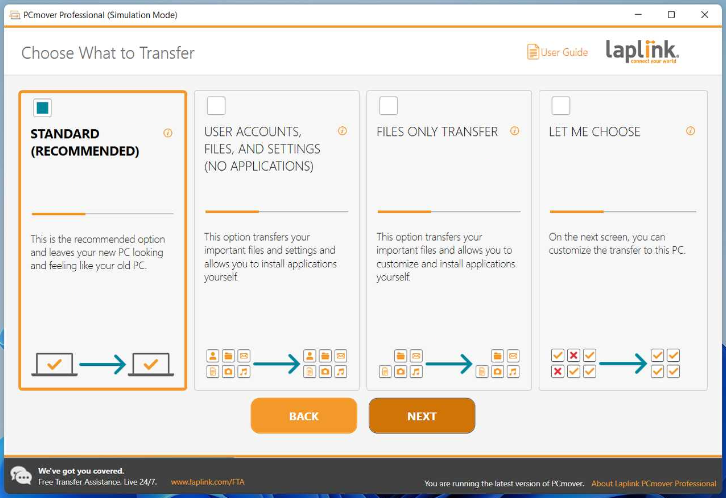
Install PCmover on both of your computers and follow the simple setup to start transferring everything you select to your new PC or upgraded operating system.

Keep Everything
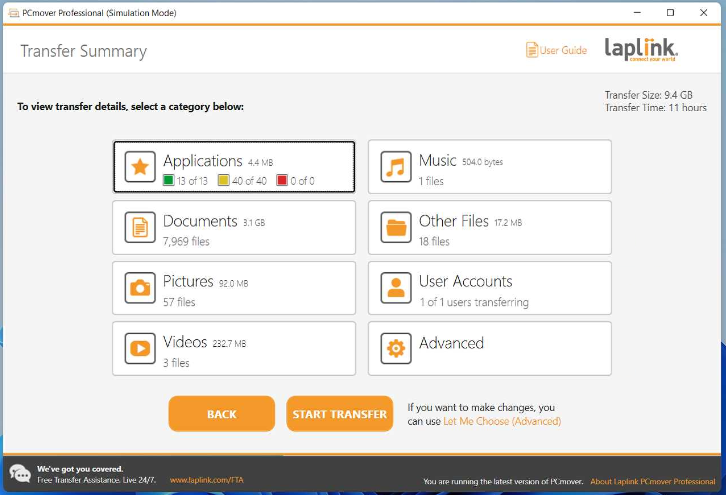
Automatically transfer the programs, files, and settings you choose to your new PC. Programs are installed and ready to use right away.

Set it and forget it
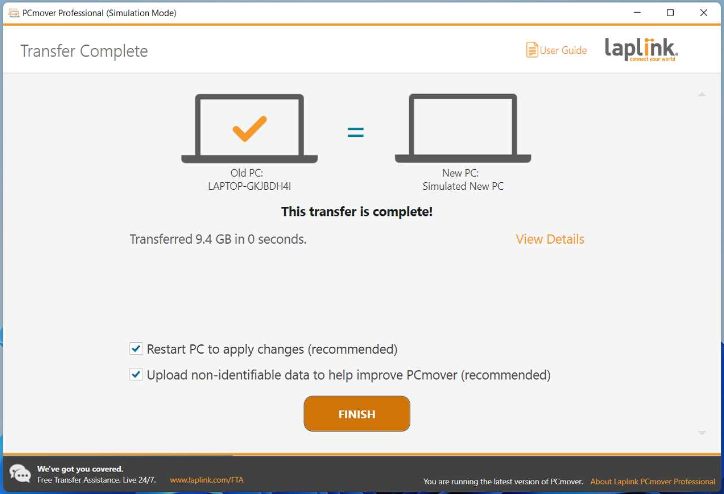
You start the transfer and walk away. PCmover does the rest!

Free Transfer Assistance
Quickly set up your new PC with the help of a certified PC migration expert, over the phone or remotely. Free, 24 hours a day, 7 days a week.
Learn More
The easiest way to
move to a new PC!
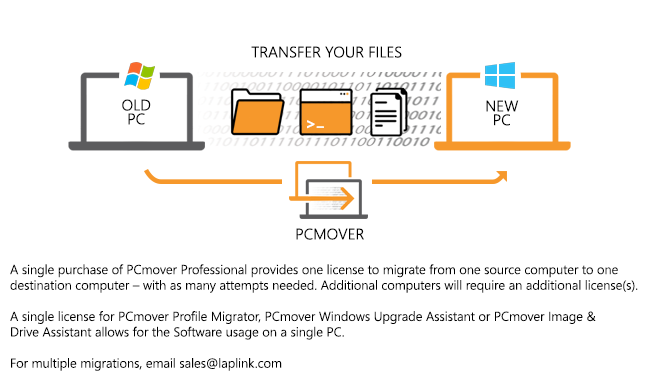
PCmover Professional is the ONLY software that automatically moves your applications, files, settings, and user profiles from an old PC to a new one, or from an old operating system to a new one. Most applications are transferred and installed ready-to-use on the new PC, so there’s no need to track down old CDs, previously downloaded programs, serial numbers, or license codes.* With PCmover, nothing is modified on the old PC and nothing is overwritten on the new PC. PCmover Professional is the easiest way to restore or move to a new PC without leaving anything behind, even with different versions of Windows on the old and new PC. PCmover is fully compatible with Windows 11, 10, 8.1, 8, and 7. For more information, visit the user guide!
*Applications may require re-entry of a license code or re-activating on the new PC. Certain system settings and applications may not be transferred due to incompatibility with the operating system on the destination PC.
Easy PC Setup in 3 Steps

1. Install
Install PCmover Pro on both your old and new computers.
2. Transfers
Click through the wizard and select which type of transfer you want to do.

3. Done!
Your new computer will have the same personality and functionality as your old PC.
client testimonials
Other Special Offers
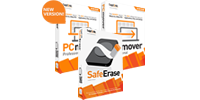
Special Bundle
 $84.95
£47.95 | €57,95
buy Now
$84.95
£47.95 | €57,95
buy Now
Combo Pack
Save $65 when you buy 2 licenses of PCmover Professional and 1 license of Laplink SafeErase.
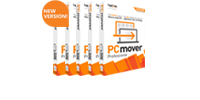
5-Pack Offer
 $230
£140 | €160
buy Now
$230
£140 | €160
buy Now
5 Licenses of PCmover Professional
Buy multiple licenses and save a ton!
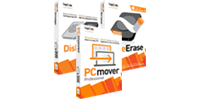
PC Recycle Kit
 $89.95
£62.95 | €71,95
buy Now
$89.95
£62.95 | €71,95
buy Now
1 license of PCmover Professional, Laplink SafeErase, and Laplink DiskImage
Use DiskImage to make a full back-up of your PC before you safely migrate and Wipe. Deleting isn’t enough. Don’t recycle without a SafeErase!