

Easy to use
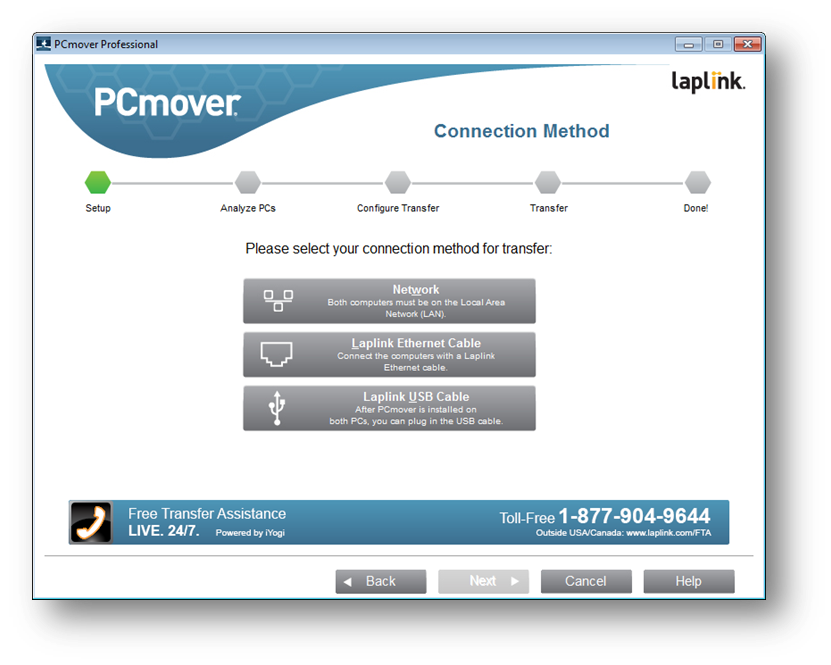
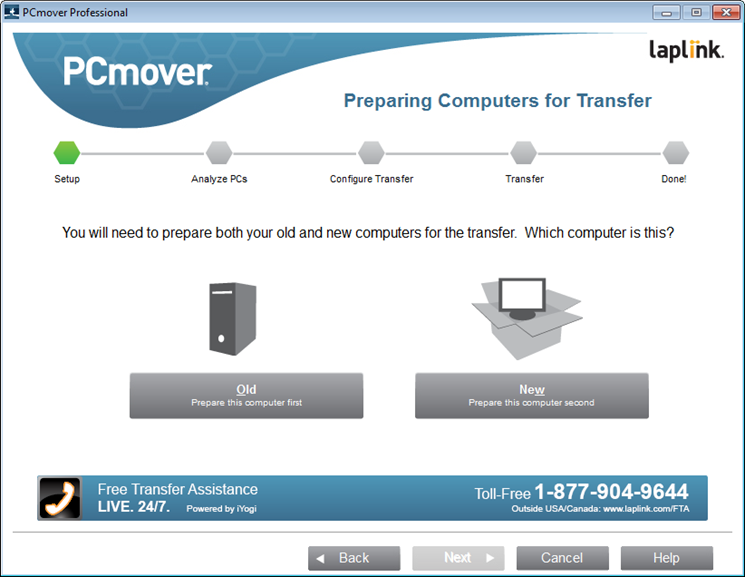
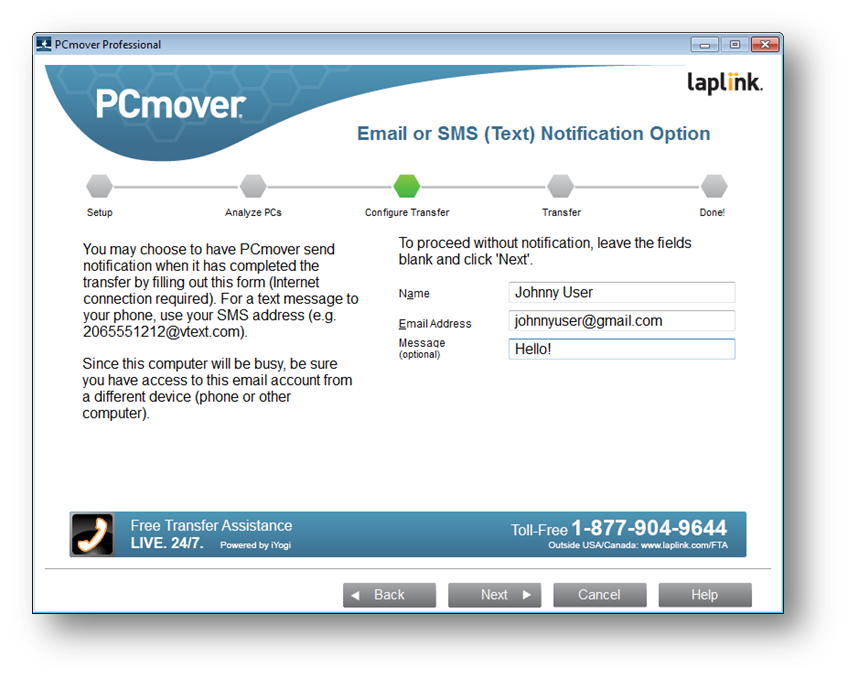
Install PCmover on your PC after your Windows upgrade and follow the simple wizard to start transferring everything you select to your upgraded operating system.

Undo
Made a mistake? PCmover has an easy-to-use undo feature!

Keep Everything
Automatically transfer the programs, files, and settings you choose to your new operating system. Programs are installed and ready to use right away.

Lightning Fast Transfer
In less time than you realize, your upgrade will take no time at all. Stop wasting hours or days with PC setup!
The easiest way to
Upgrade to Windows 8!
Although Microsoft supports partial upgrades from Windows XP and Windows Vista to Windows 8, huge limitations remain if you are looking to keep selected applications, settings, and data from an old Windows machine. Microsoft’s only fully supported upgrade paths allowing you to keep everything, including installed applications, are limited to only a few upgrade scenarios from Windows 7 to Windows 8. Are you prepared to leave a large amount your selected applications, settings, and data on your old XP and Vista machine?
Enter PCmover Windows 8 Upgrade Assistant. The only program that supports ALL upgrade paths from XP, Vista or Windows 7 to Windows 8 AND allows you to keep everything, even select the applications, user accounts, settings, files, and other items to upgrade!
For more information, please read the User Guide!
Easy PC Setup: 3 Steps

1. Upgrade & Install
Upgrade your operating system to Windows 8 and then install PCmover Windows Upgrade Assistant.

2. Transfer
Click through the easy-to-use wizard and select which programs, files, users and settings you want transferred to the new OS.

3. Done!
Your computer has the same personality and functionality as it did on your old OS without overwriting the new OS.
client testimonials
Important
PCmover should only be used as intended and as described in the User Guide. If you attempt to use this product for unintended purposes, your computer may become unstable or unusable.
If you have any questions, please review the documentation below or contact Laplink Technical Support.
PCmover Windows 8 Upgrade Assistant Documentation
System Requirements
Windows 10 | 8.1 | 8 | 7 | Vista | XP
Internet connection required for software download and registration.
200 MB of hard disk space
What You Should Know
- Some programs may not be compatible with a newer operating system.
- Files with Digital Rights Management (DRM), such as music files and programs that require keys or serial numbers with a hardware fingerprint, may require deactivation and reactivation.
- Some programs with unique copy protection may need to be deactivated then reactivated with their original key or serial number on the new PC.
- If you are unable to deactivate applications, please contact the software manufacturer for each respective application to have the license reactivated.
- Users are responsible to follow end user license agreements with each application.
- Please note that PCmover Windows Upgrade Assistant serial numbers are unique to PCmover Windows Upgrade Assistant and will not work with other editions of PCmover.